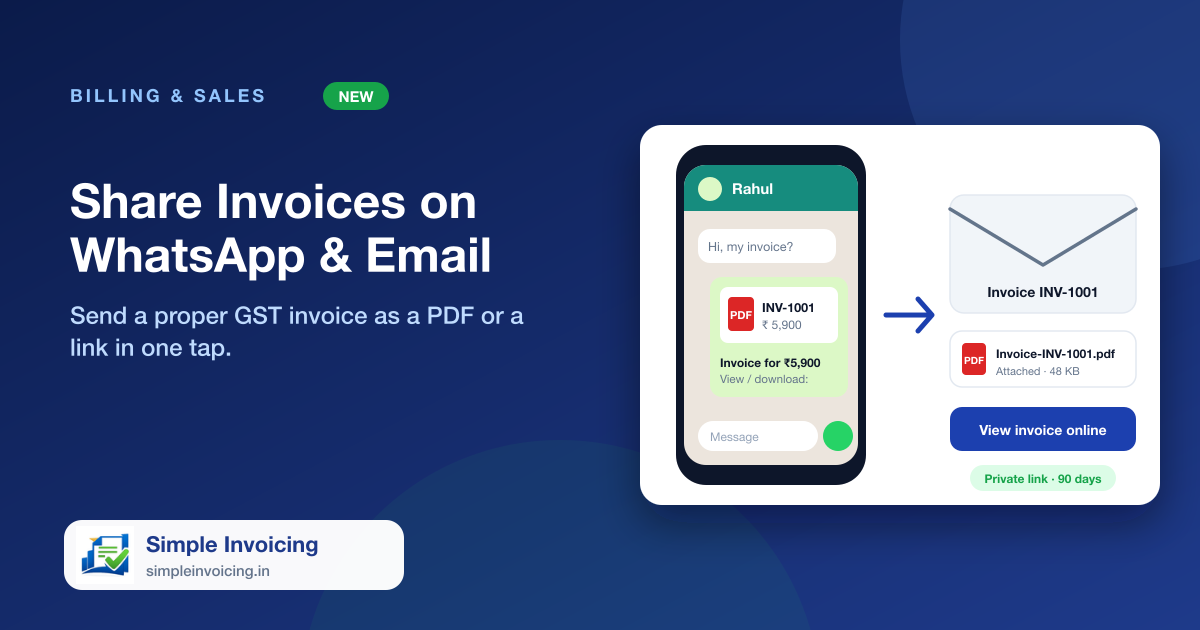
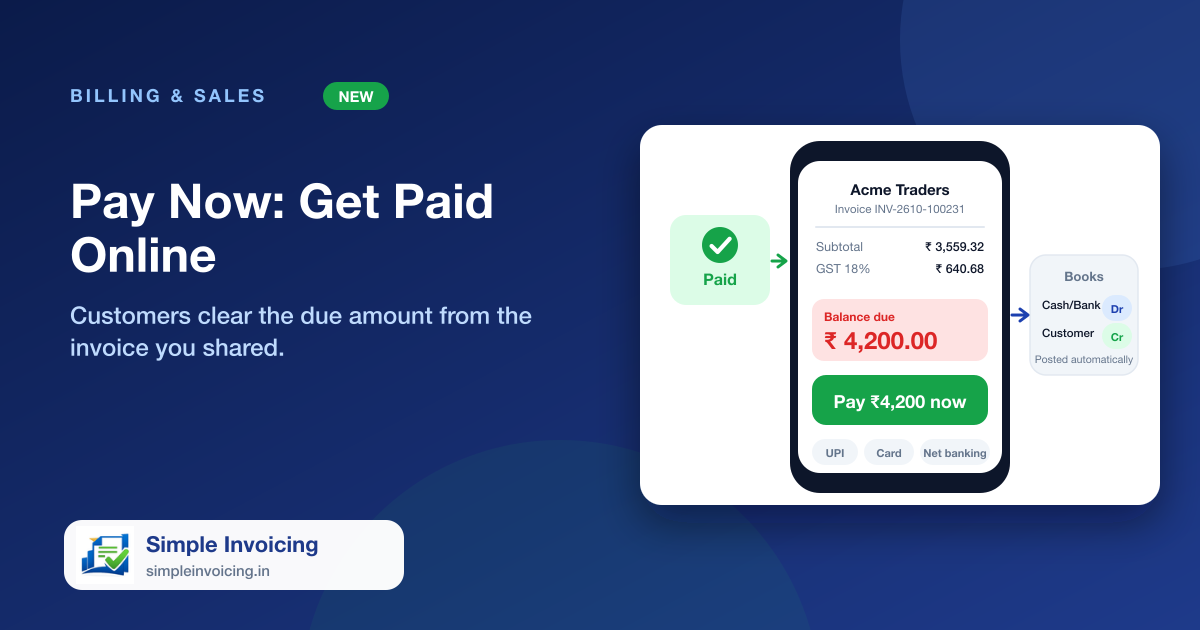
Chasing payments costs time. When your company has Razorpay set up, the invoice you share on WhatsApp or email carries a Pay Now button. The customer pays the balance in a few taps, and the invoice, the payment record and the books all update by themselves.
What you can do
Pay the whole due in one tap
The button shows the exact balance due and opens a secure checkout for UPI, cards and net banking. The amount always comes from the invoice, never from the browser.
Recorded automatically
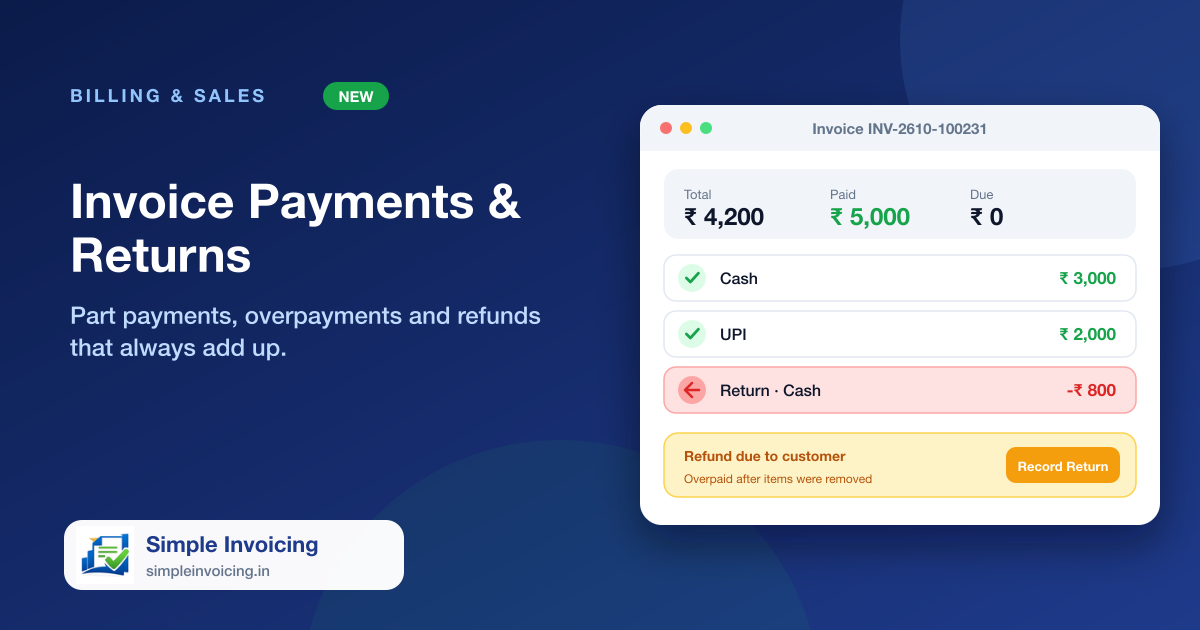
A verified payment is added to the invoice, the status moves to Paid and a receipt entry is posted to your cash or bank ledger, with no manual entry.
Safe if the customer closes the page
Payment confirmations from Razorpay also reach your account directly, so a payment is recorded even if the customer shuts the browser straight after paying.
Only when you accept online payments
The Pay Now button appears only if the payment gateway is set up for your company and something is still due. Otherwise the invoice looks exactly as before.
Also included
- Works from the shared link on mobile, in email and on WhatsApp
- Payment method (UPI, card, net banking) is saved on the payment
- No double entries if a payment is confirmed twice
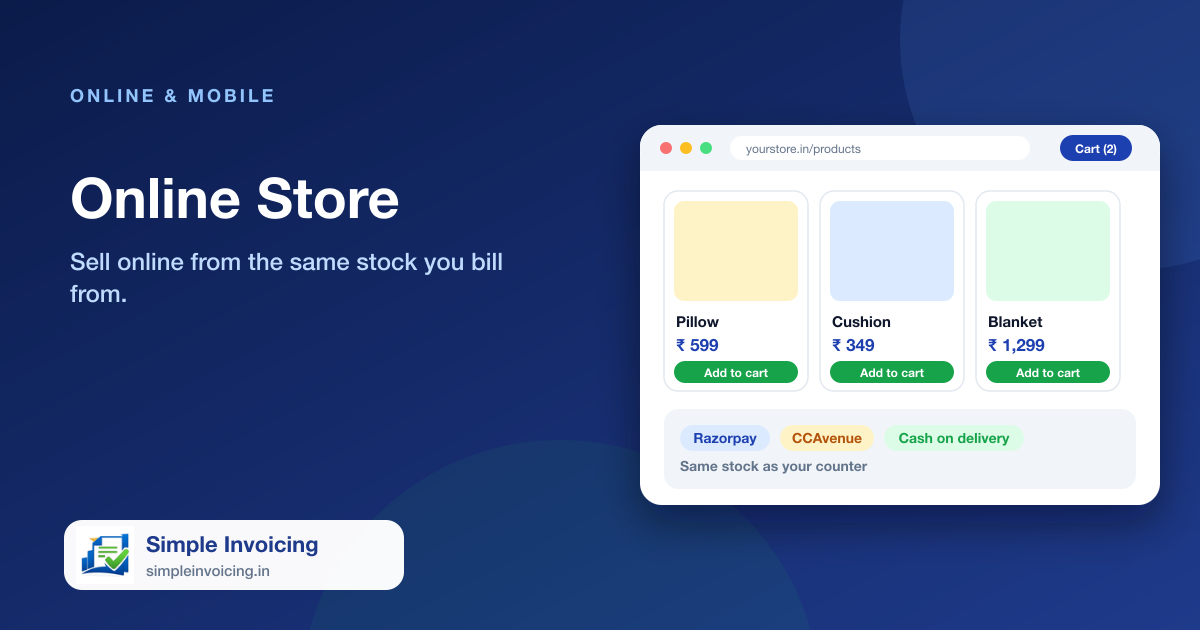
- Uses the Razorpay account you already connected for the online store
Frequently asked questions
Do customers need to create an account to pay?
No. They open the invoice link, tap Pay Now and pay. Nothing to sign up for.
What if my company has not set up a payment gateway?
Then there is no Pay Now button and the invoice works as a normal shared invoice.