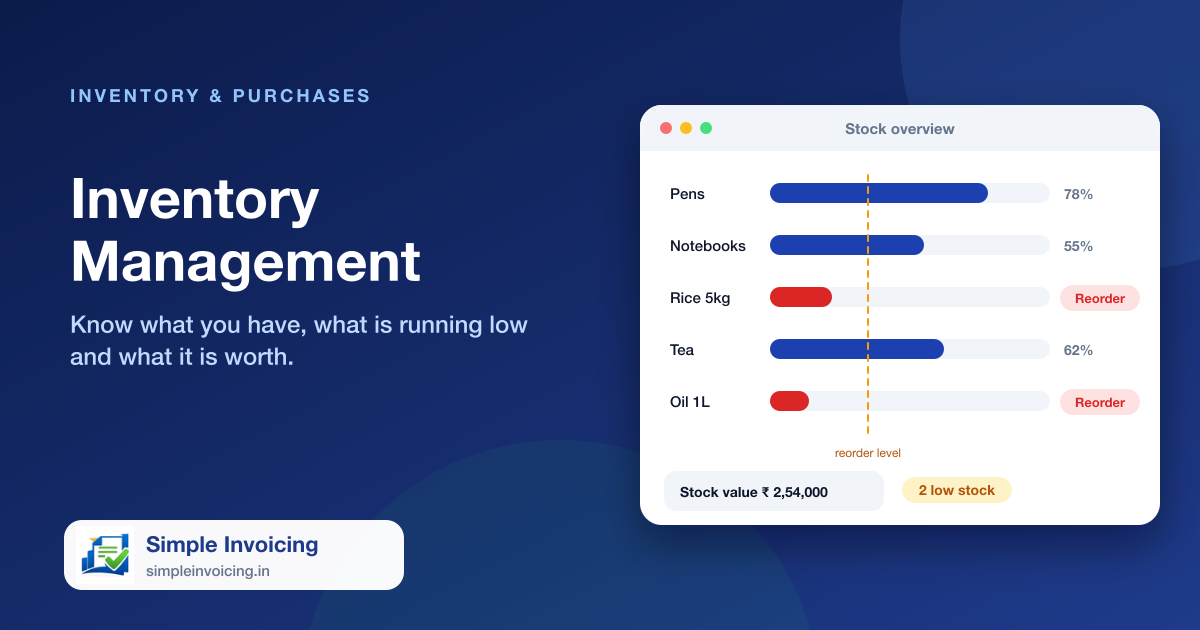
Stock moves with every sale and purchase, so the numbers on screen match the shelf. Set a reorder level for any item and the stock overview shows what needs ordering before it runs out.
What you can do
Automatic stock updates
Sales reduce stock; received purchases add to it; cancelling or deleting reverses it.
Reorder levels
Set a level per item and filter the stock overview to what is running low.
Stock value at a glance
See quantity, cost and selling value across the catalogue.
Categories and units
Organise items by category and sub-category, with units such as piece, kilogram, litre or box.
Also included
- Barcode and item code on every item
- Allow back-orders on selected items
- Item images and descriptions for the online store
- Inventory report for review and audits
Frequently asked questions
Does stock update automatically?
Yes. Invoices, POS sales, purchases and online store orders all update stock.
Can I be warned about low stock?
Set a reorder level on an item and use the low-stock view to see everything at or below it.