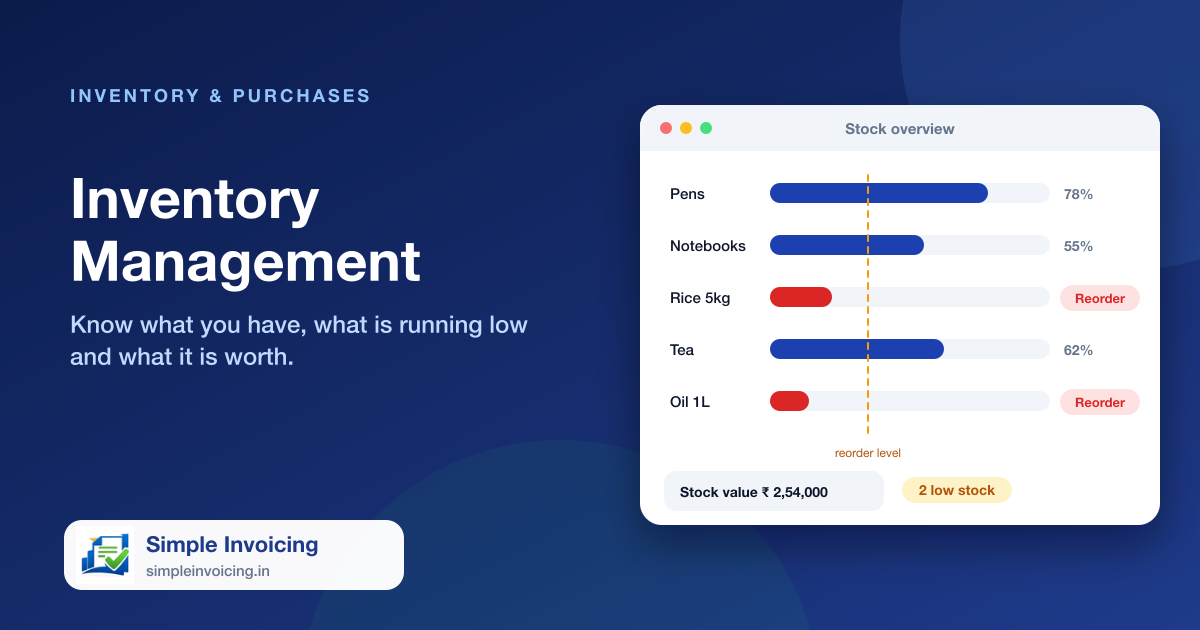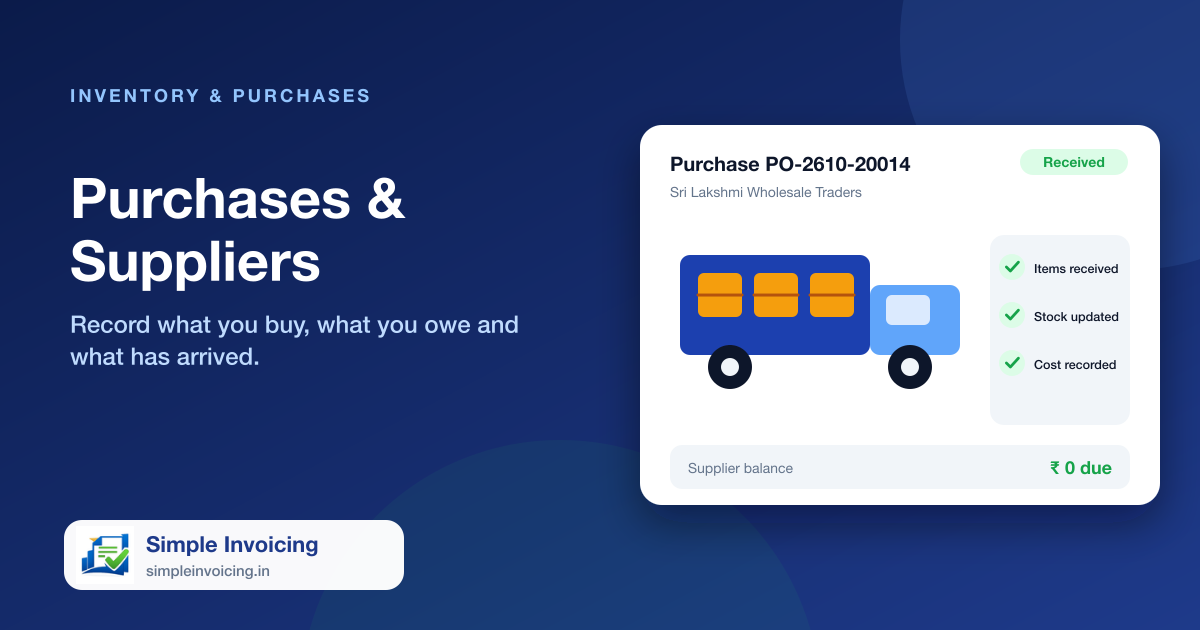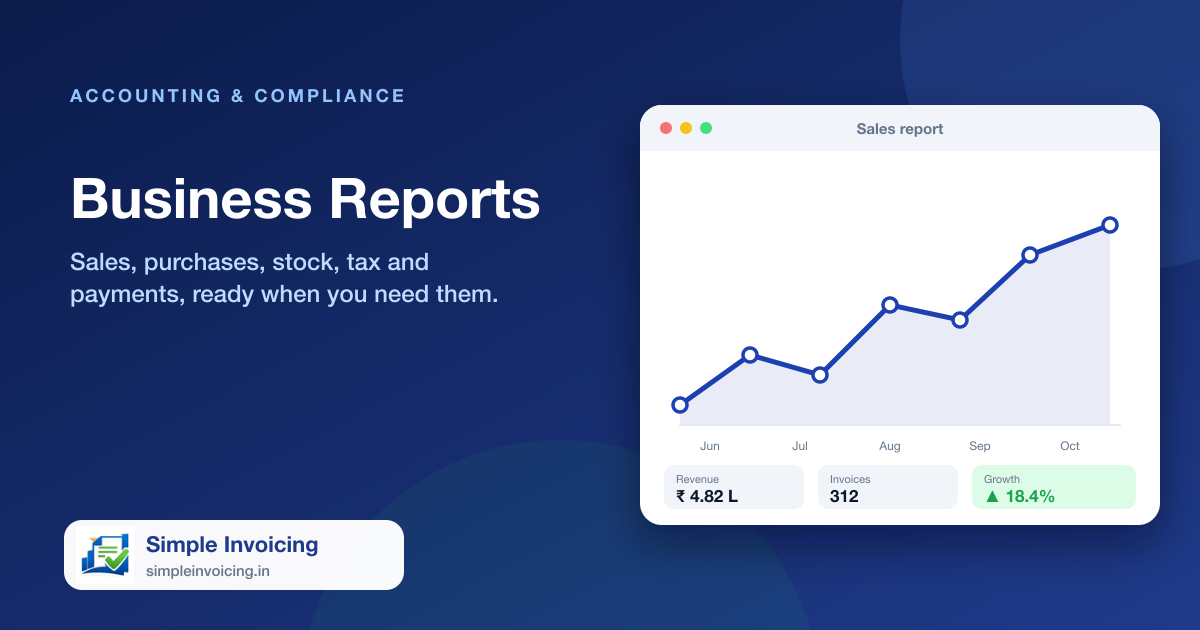
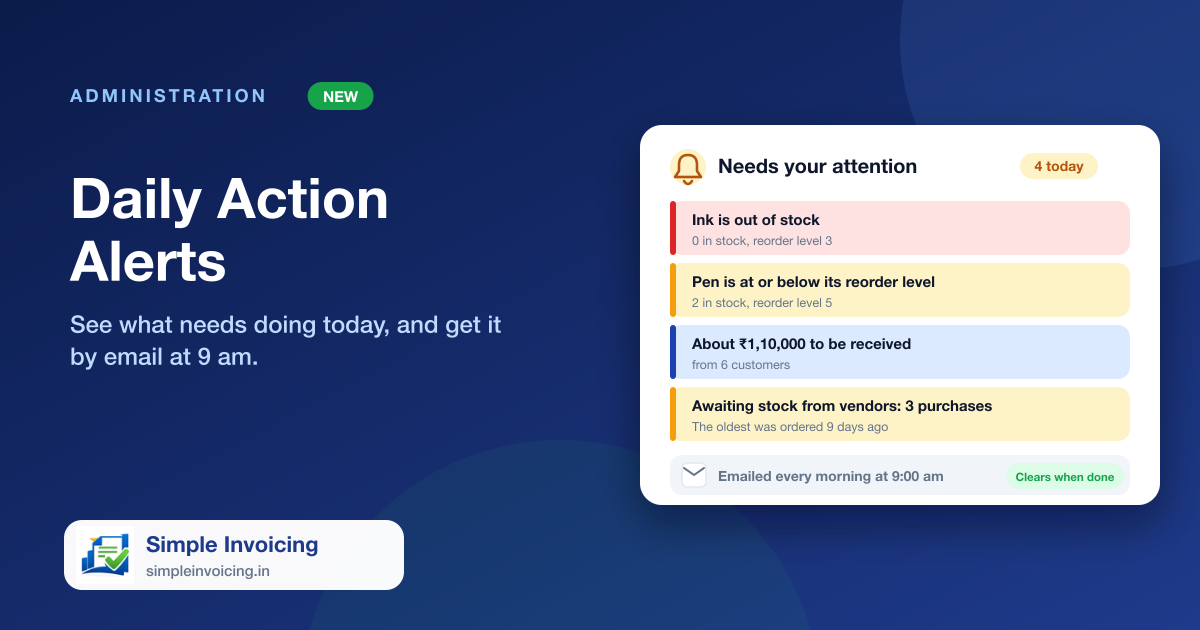
Open the dashboard and see what actually needs your attention today, in plain words: which item is below its reorder level, roughly how much customers owe, which orders are still awaiting stock from vendors. Finish the job and the alert goes away on its own.
What you can do
Plain-language to-do list
Entries read like "Pen is at or below its reorder level" or "About ₹1,10,000 to be received from 6 customers", each linking to the page where you fix it.
Clears itself
Alerts come straight from your live stock and books, so receiving the goods, recording the payment or restocking the item removes the alert. There is nothing to dismiss.
A 9 am email every day
Admins, managers and accountants get the same list by email each morning at 9, only when there is something to do.
Urgent things first
Expired stock and out-of-stock items come first, then overdue invoices and pending orders, then the money to collect and pay.
Also included
- Low stock and out-of-stock items, by name
- Money to receive and invoices unpaid for over 30 days
- Purchases awaiting stock from vendors and bills to pay
- Batches that have expired or expire within 30 days, and online orders waiting
Frequently asked questions
Do I have to mark alerts as done?
No. An alert exists only while its situation is true, so it disappears once you receive the stock, collect the payment or restock the item.
Who receives the morning email?
Users with the Admin, Manager or Accountant role in the company. A company with nothing to do that day gets no email.