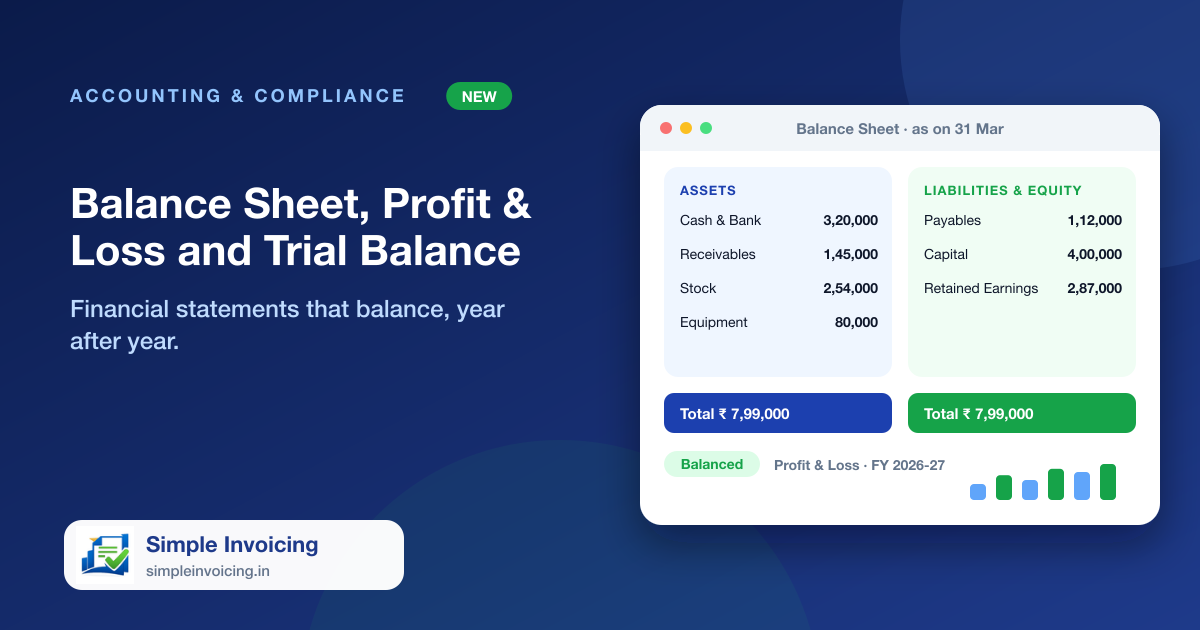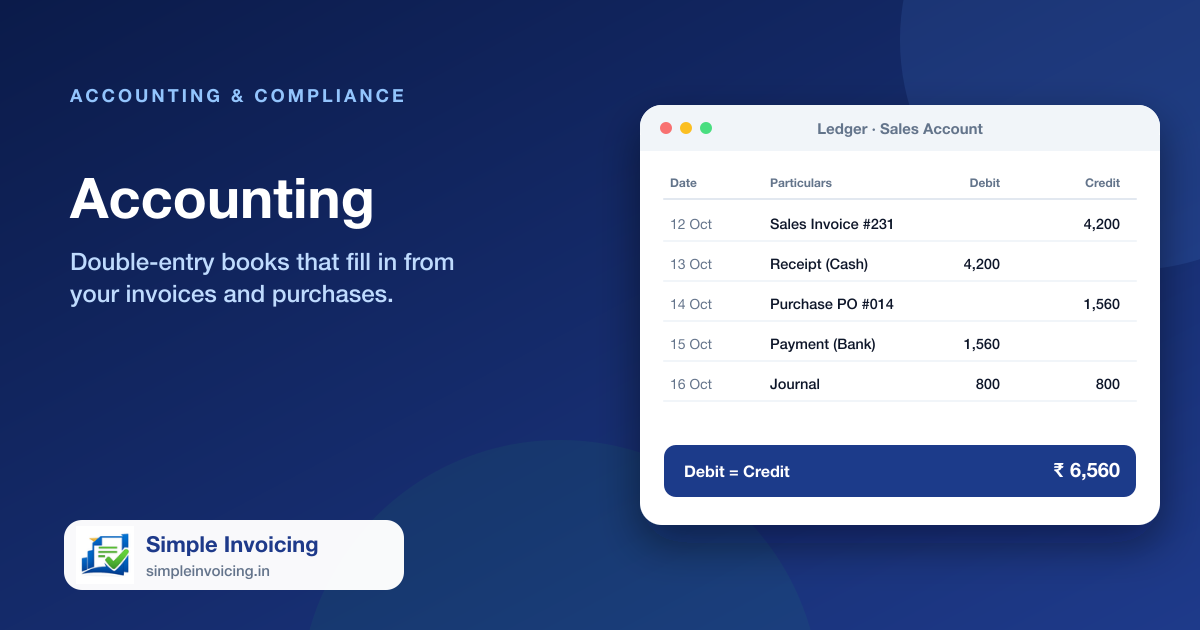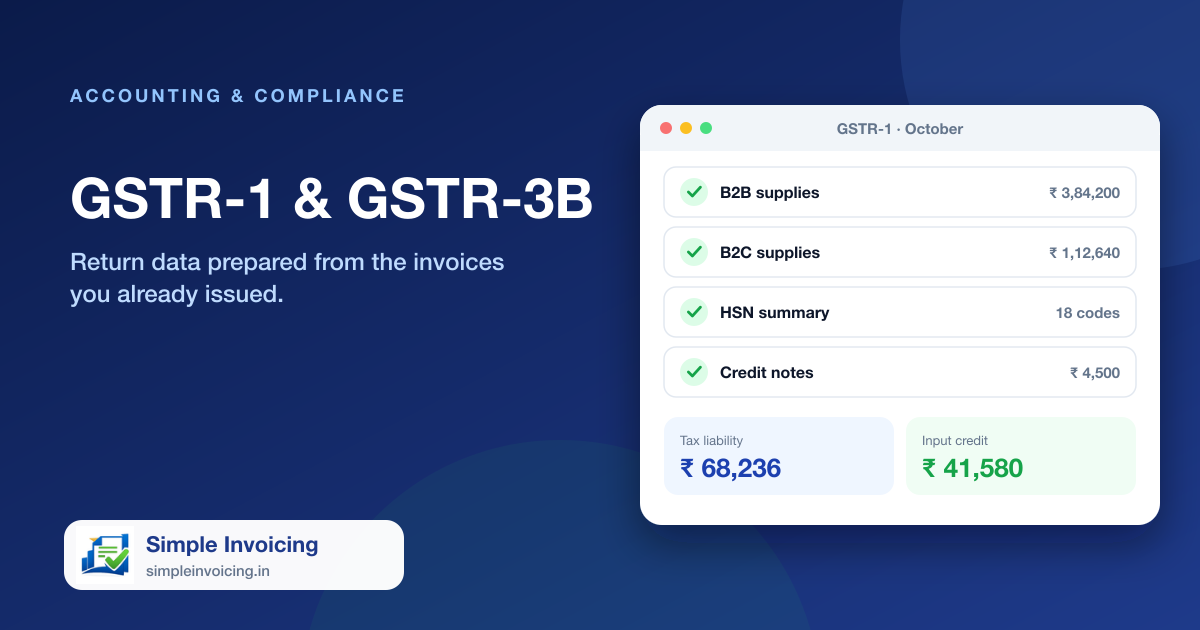
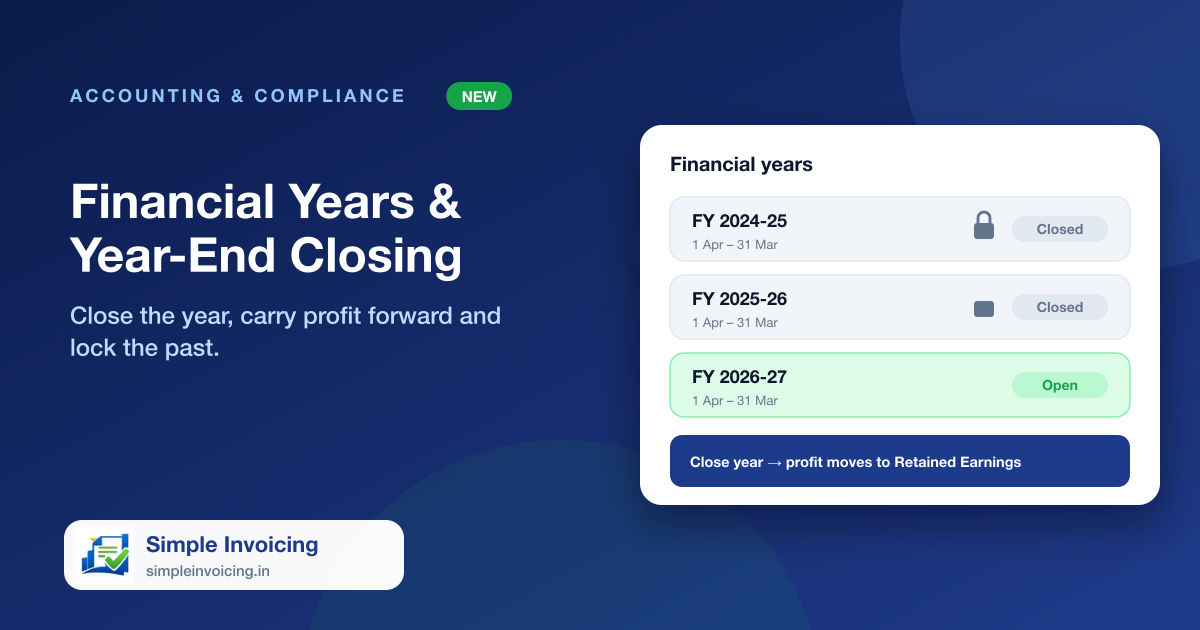
Your books now understand your financial year, whether it starts in April, January or any other month. At year end, close the year in one step: profit or loss moves into retained earnings and the period is locked so figures cannot drift.
What you can do
Reports follow your year
Profit & Loss defaults to your current financial year, and every accounting report has a financial-year selector.
One-step closing
Closing posts a single journal that zeroes income and expenses and moves the result to retained earnings.
Period lock
Vouchers, invoices and purchases dated in a closed year cannot be added, changed or deleted.
Reopen the latest year
Made a mistake? An admin can reopen the most recently closed year, which removes the closing entry.
Also included
- Years must be closed in order
- Closed years still report their profit
- Payments against older invoices are still allowed
- Only admins can close or reopen a year
Frequently asked questions
My financial year starts in January. Is that supported?
Yes. The year start is set per company, and every report and the year-end closing use it.
Can I still record a payment for an invoice from a closed year?
Yes. Receipts are dated when the money arrives; only changes to what was billed in the closed year are blocked.